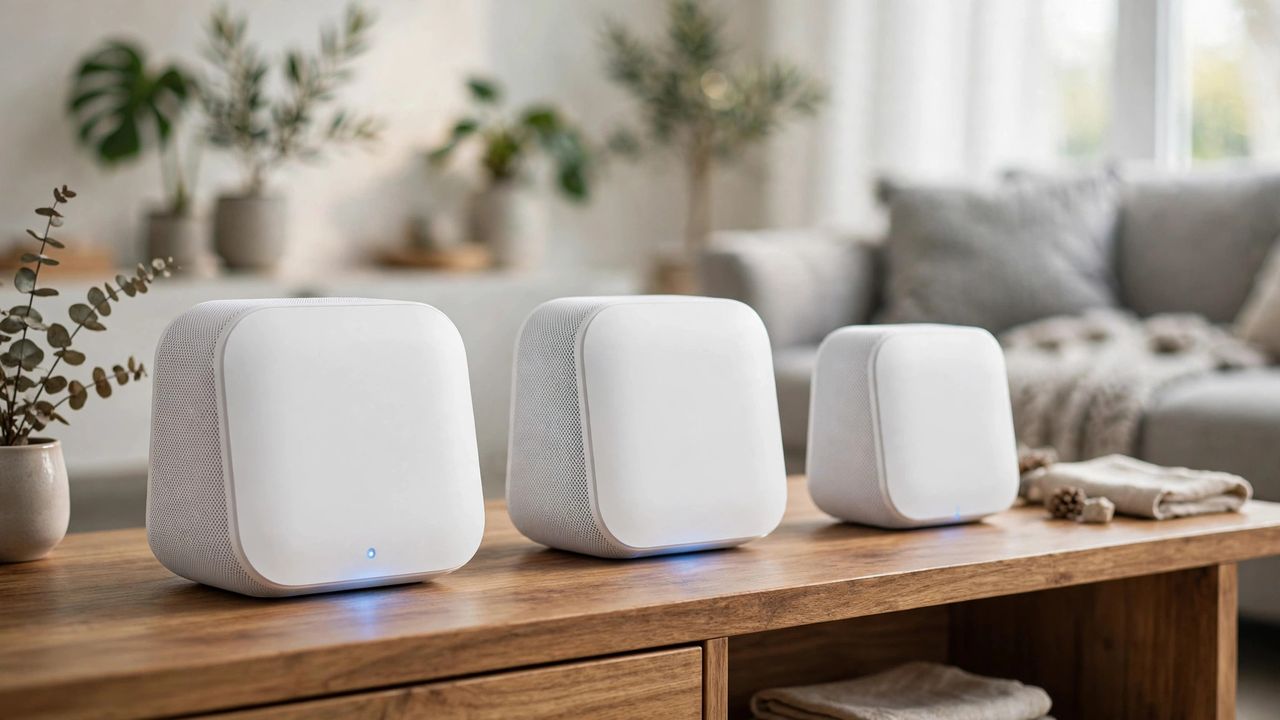
If your video calls freeze the moment you walk upstairs, your router is not the problem — your house is. Single routers cannot push signal through concrete, metal, and distance. Mesh Wi-Fi systems fix this with multiple nodes that hand your devices off seamlessly. In 2026, Wi-Fi 7 mesh kits have made whole-home coverage fast, simple, and cheaper than ever.
Why mesh beats a bigger router
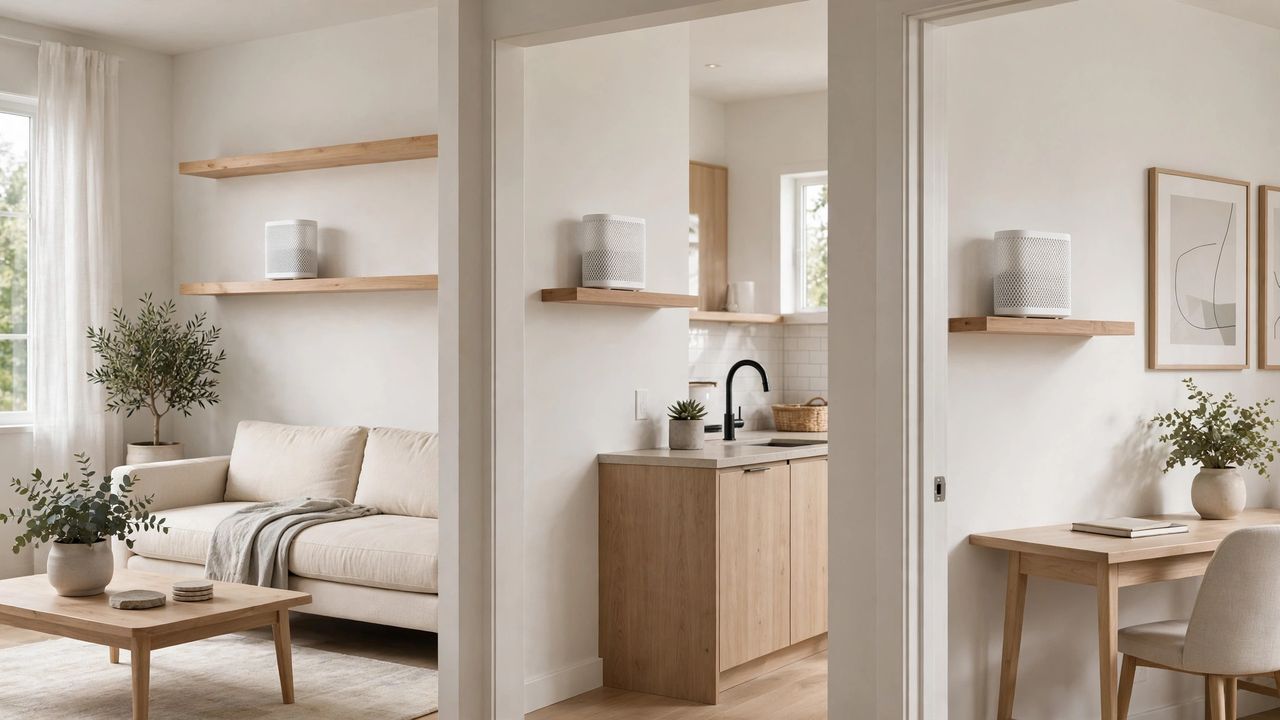
A more powerful single router still radiates from one spot. Mesh nodes create overlapping coverage zones, so your phone connects to the nearest node instead of straining to reach a distant router. Roaming is automatic — one network name, no manual switching. For homes over 1,500 square feet or with thick walls, two or three mesh nodes beat any single router.
What to look for in 2026
Wi-Fi 7 mesh kits now lead the market with faster backhaul and lower latency. Key specs: dedicated backhaul band, multi-gig Ethernet ports, and easy app setup. Do not pay extra for features you will not use — if your internet plan is 500 Mbps, a kit rated for 10 Gbps is overkill. Match the kit to your plan speed plus 20% headroom.
Placement matters more than brand
The most common mesh mistake is putting nodes too far apart. Place nodes halfway between the router and the dead zone, elevated and in the open — not inside cabinets or behind the TV. Use the app's signal test during setup, and wire nodes with Ethernet backhaul if your home has cabling; it roughly doubles real-world speeds to each node.
When you do not need mesh
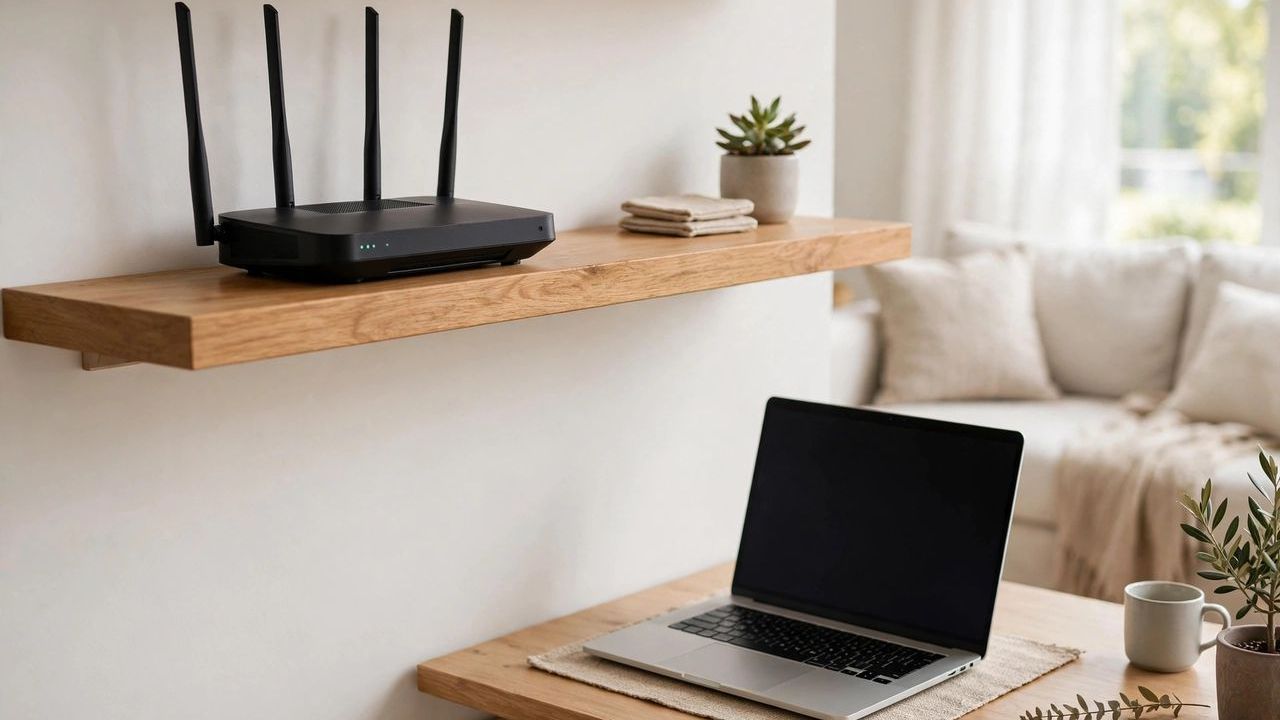
A small apartment under 1,000 square feet with open walls usually does fine with one good router. Run a speed test in each room first — if speeds only drop in one or two spots, a single well-placed router or one access point may be all you need. Buy mesh when whole rooms go dark, not when one corner dips slightly.
Mesh Wi-Fi is the closest thing to a guaranteed fix for dead zones. Right-size the kit, place nodes smartly, and enjoy full bars in every room — video calls included.