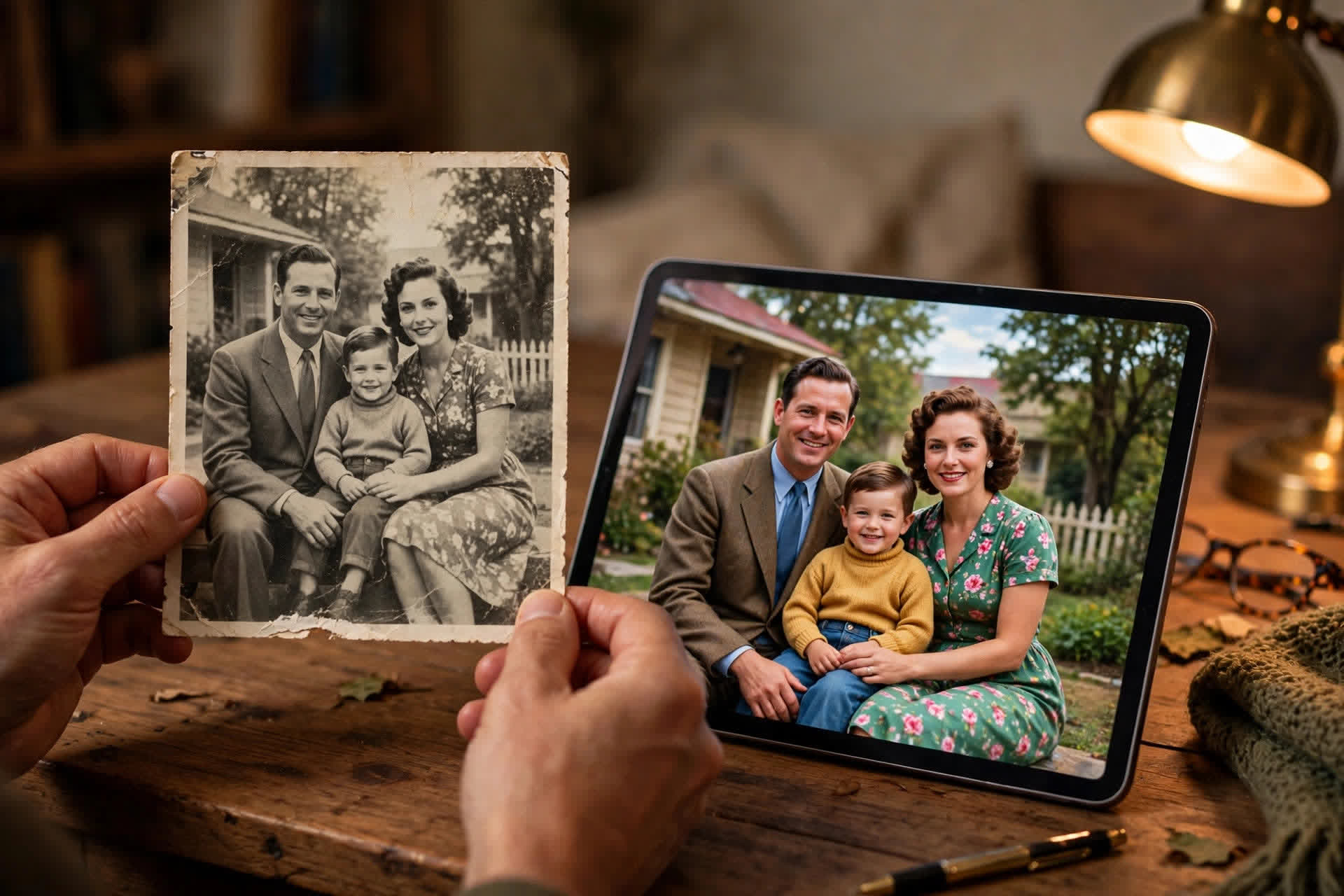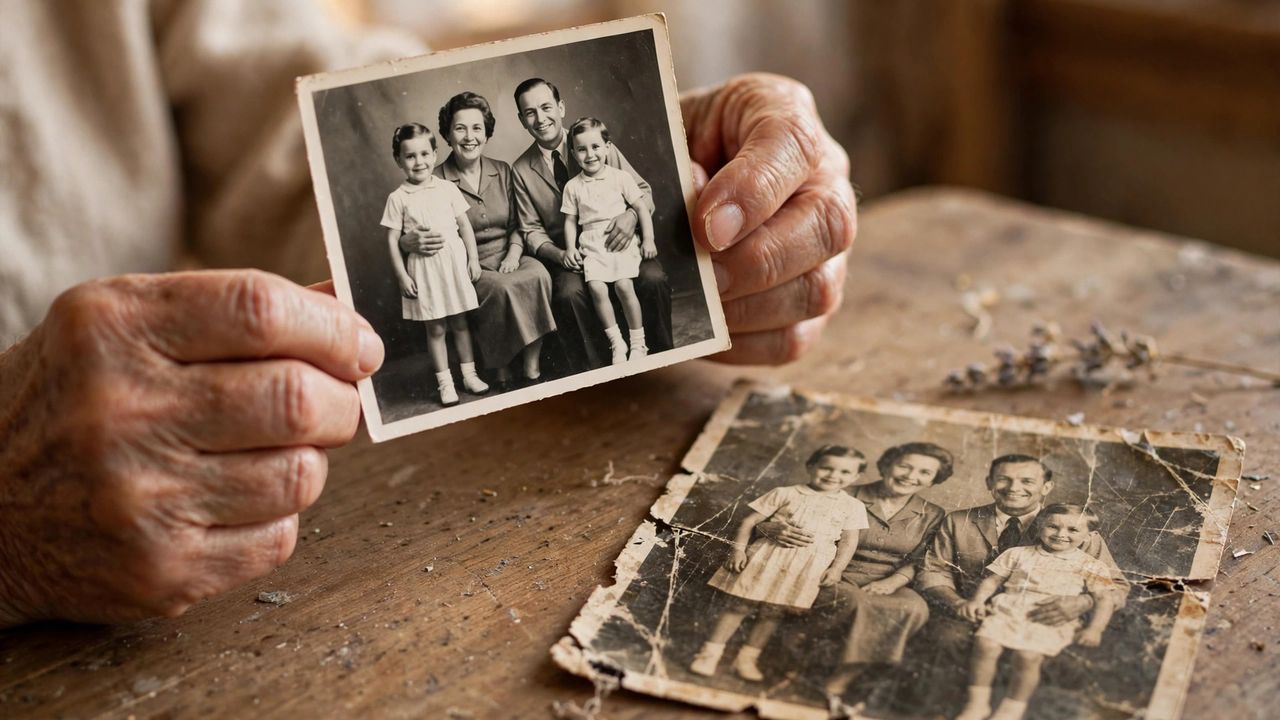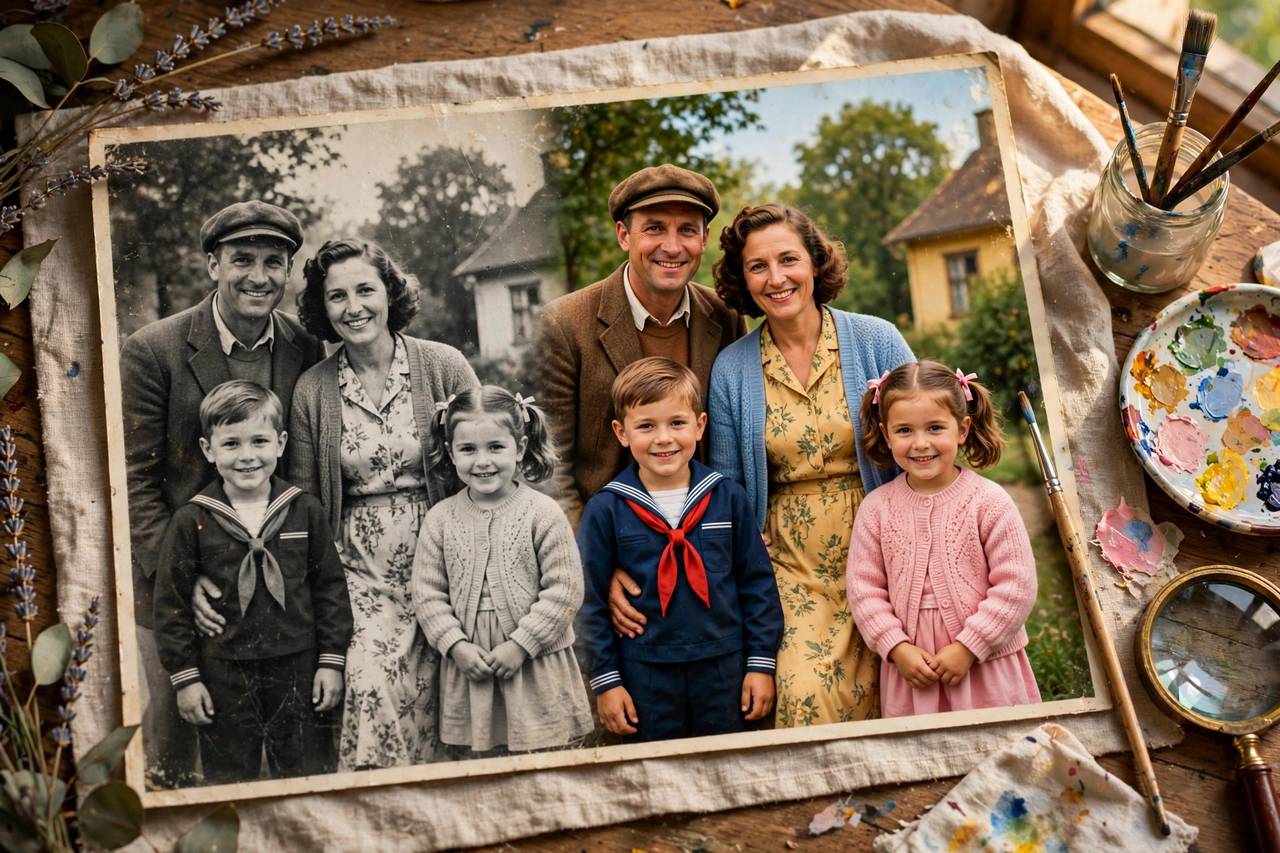
Old family photos fade, crack, and yellow — but the memories in them are irreplaceable. AI photo restoration in 2026 can remove scratches, fix fading, sharpen blurred faces, and even colorize black-and-white images with startling accuracy. A shoebox of damaged prints becomes a digital family archive in an afternoon.
Scan your prints properly first
Restoration quality starts with the scan. Use at least 600 DPI on a flatbed scanner, or a scanning app with good lighting and no glare. Clean the scanner glass and handle prints by the edges. Save scans as high-quality files before any AI touches them — you always want an untouched original. A great scan is half the restoration: garbage in means garbage out, no matter how good the AI is.
Fix damage before adding color
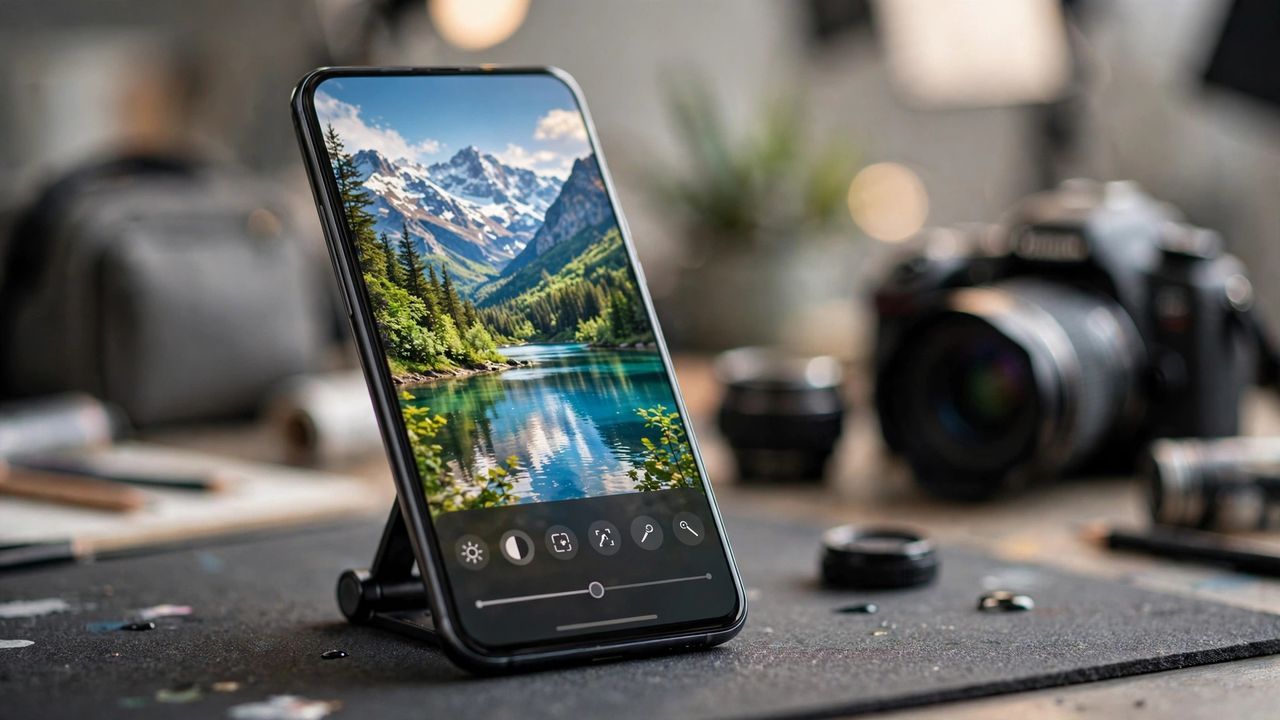
Work in the right order: first remove scratches, tears, and stains, then correct fading and contrast, and only then consider colorization. Fixing damage on a colorized image looks unnatural. Most restoration tools offer one-click repair for common damage plus manual brushes for tricky spots. Zoom in to one hundred percent to check faces, because small artifacts there ruin the whole photo. Repair first, enhance second, colorize last — the order decides how natural the result looks.
Colorize thoughtfully, not automatically
AI colorization guesses colors from patterns, and it sometimes gets them wrong — military uniforms, eye colors, and clothing can all be off. Review every colorized photo and correct obvious mistakes manually. For historically important photos, research actual colors when possible. Slightly desaturated color often looks more authentic than vivid tones. Treat AI color as a starting point to refine, not a finished truth.
Preserve and share the results
Save restored photos in at least two places: cloud storage and an external drive. Name files with dates, places, and people while older relatives can still identify them. Share digital copies with family — restored photos make unforgettable gifts. Print the best ones on archival paper for the next generation. A restored photo that nobody sees is just a file: sharing completes the restoration.
Start with your three most damaged but meaningful photos this weekend. Once you see a grandparent's face sharp and clear again, you will want to restore the whole box.